Terminalski groups various settings as a 'configuration profile'. It includes screen font, colors, keyboard mapping, terminal as well as connection settings. Once you create a configuration profile, you can use it on address book entries and global settings.
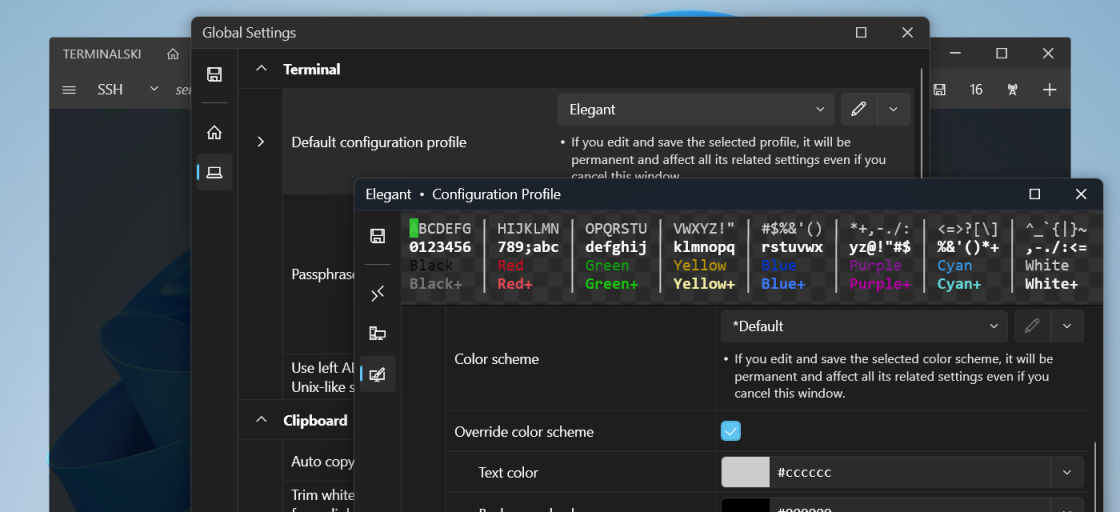
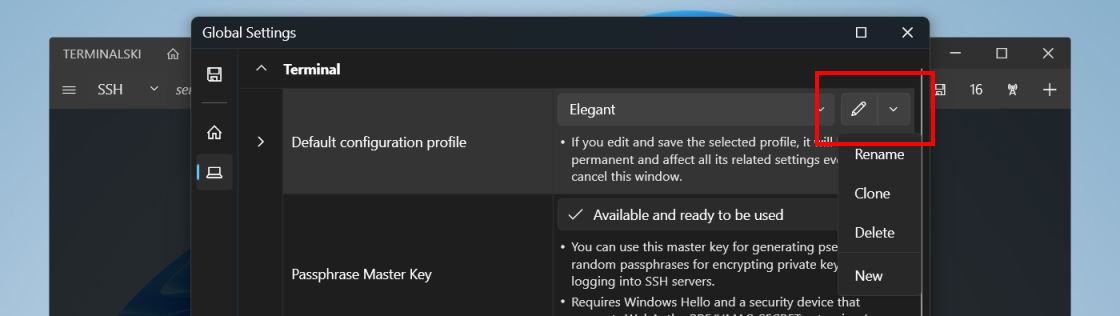
For creating and editing a configuration profile, you should be able to find a popup menu button next to the option where you need to select a profile. Please be aware that when you make a change to an existing configuration profile, it will affect all the address book entries and global settings that it is selected for.