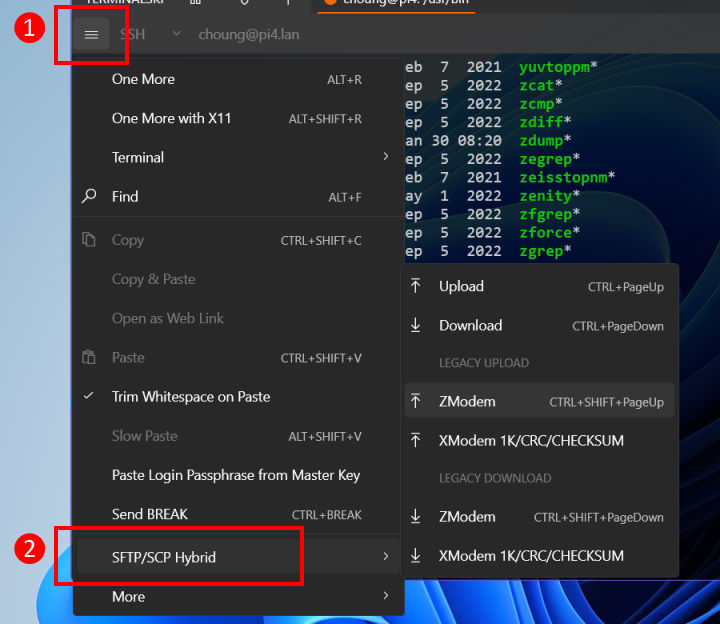
Need to upload files while connected to your server in SSH? Just drag-and-drop or copy-and-paste files from Windows File Explorer! Terminalski can detect the remote folder you are working on and upload your files to that folder automatically. For downloading files, press CTRL+PageDown and simply select the files you want to download.
The hybrid SFTP/SCP engine in Terminalski maximizes its file transfer speed by optimizing overhead required for SFTP. However, if your server does not support SCP or cannot handle high-speed SFTP, Terminalski automatically falls back to the standard SFTP and completes your file transfer requests.
Terminalski also supports ZModem and XModem file transfer protocols for devices that do not support SSH.